
Self-Hosted Deployment
Deploy RepairOps on your own infrastructure with Docker Compose. This guide covers production-grade setup with Postgres, Supabase, pg-boss, backups, and monitoring.
Available on: Enterprise tier only.
Architecture Overview
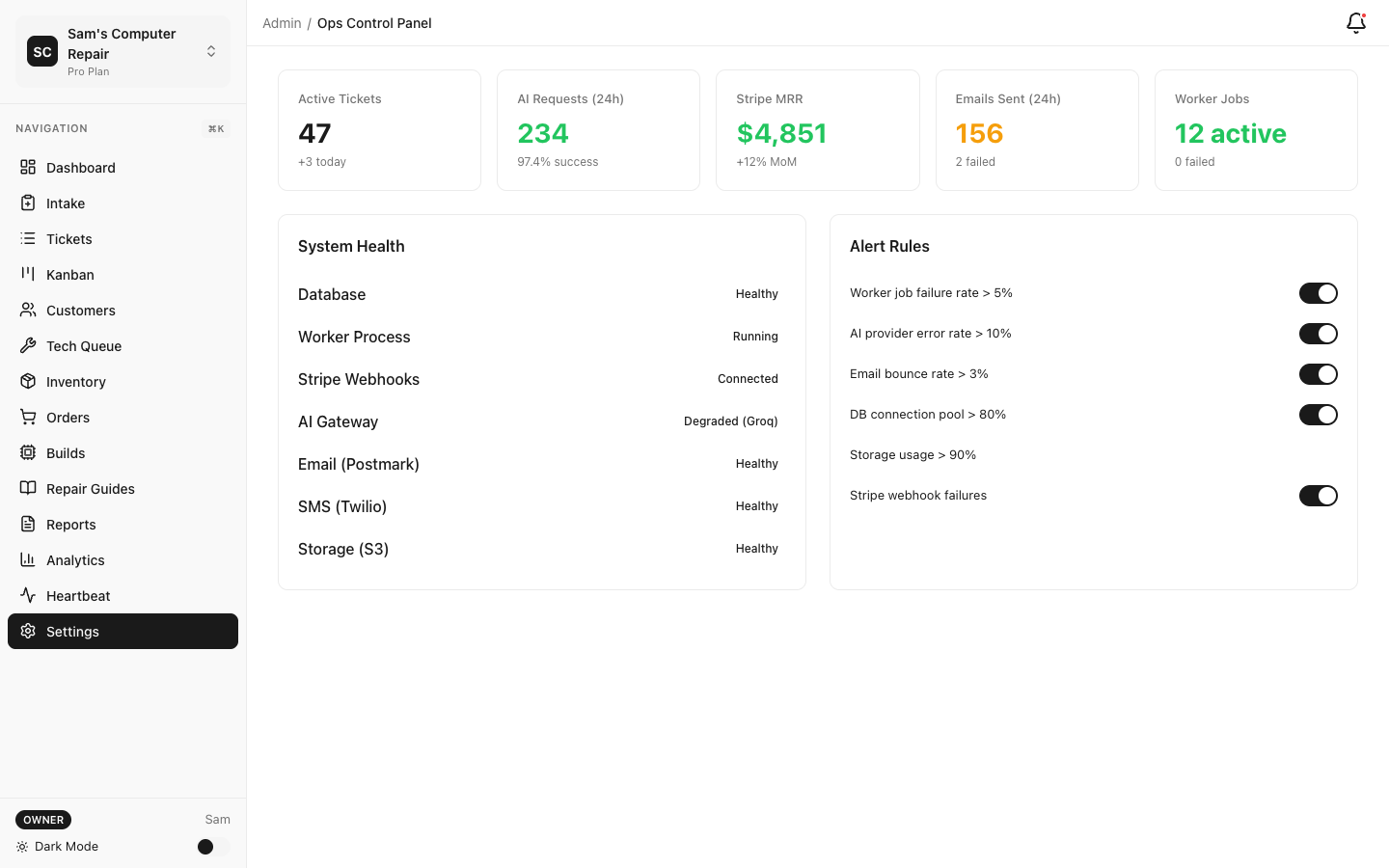
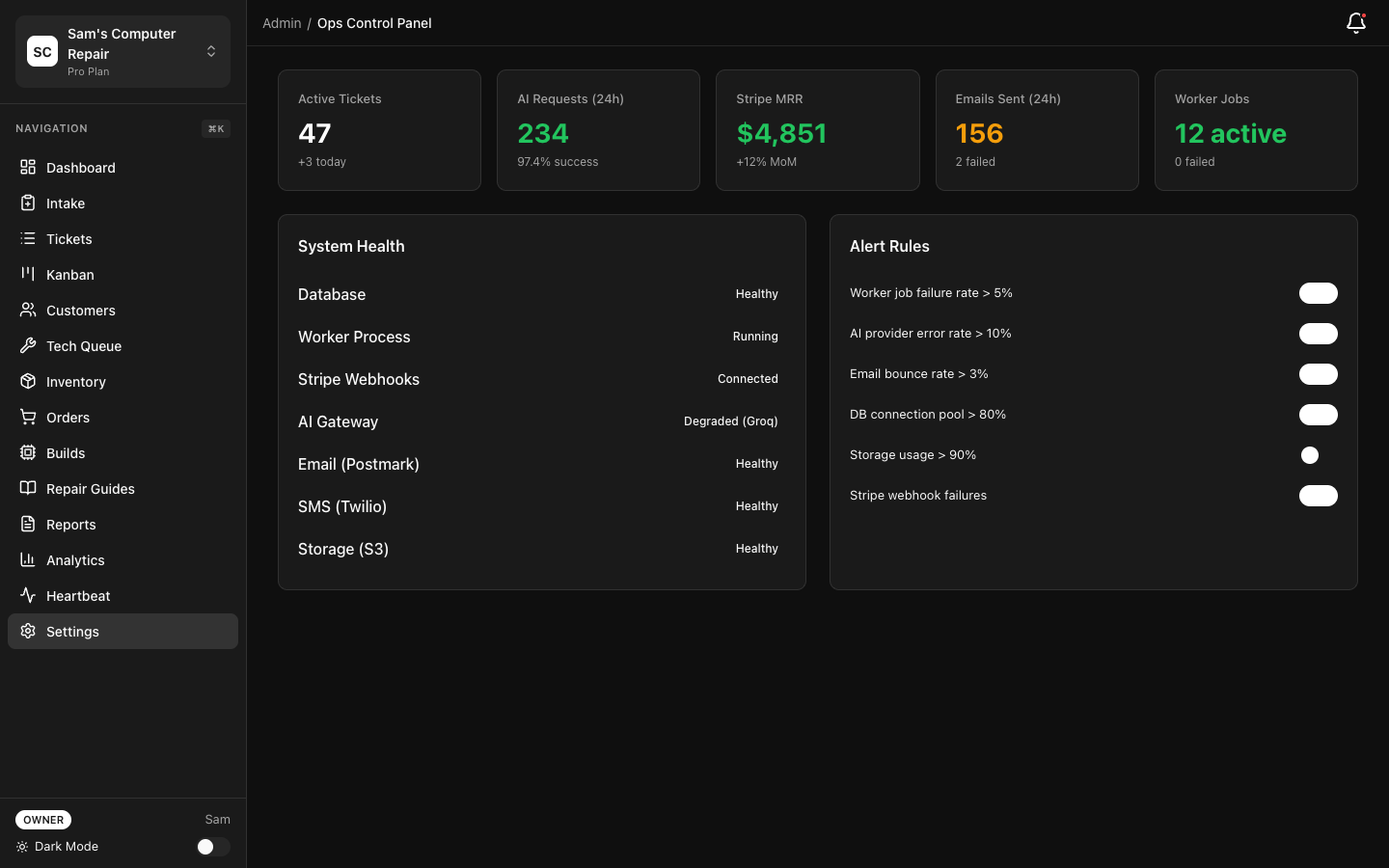
Section titled “Architecture Overview”┌─────────────────────────────────────────────┐│ Your Infrastructure (Docker Compose) │├─────────────────────────────────────────────┤│ ││ ┌──────────────────────────────────────┐ ││ │ Nginx / Caddy (Reverse Proxy) │ ││ │ - TLS termination │ ││ │ - Load balancing │ ││ └────────┬─────────────────────────────┘ ││ │ ││ ┌────────v──────────────────────────────┐ ││ │ RepairOps Web (Node.js Next.js) │ ││ │ - Next.js app (port 3000) │ ││ │ - Multiple replicas │ ││ └────────┬──────────────────────────────┘ ││ │ ││ ┌────────v──────────────────────────────┐ ││ │ RepairOps Worker (bg jobs) │ ││ │ - pg-boss (job queue) │ ││ │ - Cron tasks │ ││ │ - Email delivery │ ││ └────────┬──────────────────────────────┘ ││ │ ││ ┌────────v──────────────────────────────┐ ││ │ Supabase (PostgreSQL) │ ││ │ - Postgres 15 database │ ││ │ - pgvector extension │ ││ │ - Row-level security │ ││ └────────┬──────────────────────────────┘ ││ │ ││ ┌────────v──────────────────────────────┐ ││ │ Redis (Caching & Sessions) │ ││ │ - Session store │ ││ │ - Rate limiting │ ││ └─────────────────────────────────────┘ ││ ││ ┌─────────────────────────────────────┐ ││ │ MinIO (Object Storage) │ ││ │ - Photos and attachments │ ││ │ - Backups │ ││ └─────────────────────────────────────┘ ││ │└─────────────────────────────────────────────┘Prerequisites
Section titled “Prerequisites”- Docker & Docker Compose (v2.0+)
- Server: 4 CPU cores, 8GB RAM minimum (16GB recommended for production)
- Storage: 100GB disk minimum (SSD recommended)
- OS: Linux (Ubuntu 20.04+ recommended), or Docker Desktop on Mac/Windows
- Domain: Custom domain with DNS access
- SSL Certificate: Self-signed or Let’s Encrypt
Quick Start
Section titled “Quick Start”1. Clone Configuration Repository
Section titled “1. Clone Configuration Repository”git clone https://github.com/repairops/docker-compose.gitcd docker-compose2. Configure Environment
Section titled “2. Configure Environment”Create .env file in root directory:
# Core ConfigREPAIROPS_ENV=productionREPAIROPS_URL=https://repairs.yourshop.com
# PostgresPOSTGRES_PASSWORD=generate_strong_password_herePOSTGRES_USER=repairopsPOSTGRES_DB=repairops
# SupabaseSUPABASE_JWT_SECRET=generate_jwt_secret_hereSUPABASE_ANON_KEY=your_anon_key_hereSUPABASE_SERVICE_ROLE_KEY=your_service_role_key_here
# RedisREDIS_PASSWORD=generate_strong_password_here
# S3 / MinIOMINIO_ROOT_USER=adminMINIO_ROOT_PASSWORD=generate_strong_password_hereMINIO_BUCKET=repairops-backups
# Email (SMTP)SMTP_HOST=mail.yourshop.comSMTP_PORT=587SMTP_USER=noreply@yourshop.comSMTP_PASSWORD=your_smtp_passwordSMTP_FROM=noreply@yourshop.com
# Stripe (optional)STRIPE_SECRET_KEY=sk_live_...STRIPE_PUBLISHABLE_KEY=pk_live_...
# AI Provider (optional)OPENAI_API_KEY=sk_...# orANTHROPIC_API_KEY=sk_...
Generate strong passwords:
openssl rand -base64 32 # For passwordsopenssl rand -hex 32 # For secrets3. Create Docker Compose File
Section titled “3. Create Docker Compose File”Copy or create docker-compose.yml:
version: '3.8'
services:  postgres:    image: postgres:15-alpine    environment:      POSTGRES_USER: ${POSTGRES_USER}      POSTGRES_PASSWORD: ${POSTGRES_PASSWORD}      POSTGRES_DB: ${POSTGRES_DB}    volumes:      - postgres_data:/var/lib/postgresql/data    ports:      - "5432:5432"    healthcheck:      test: ["CMD-SHELL", "pg_isready -U ${POSTGRES_USER}"]      interval: 10s      timeout: 5s      retries: 5    restart: always
  redis:    image: redis:7-alpine    command: redis-server --requirepass ${REDIS_PASSWORD}    volumes:      - redis_data:/data    ports:      - "6379:6379"    healthcheck:      test: ["CMD", "redis-cli", "ping"]      interval: 10s      timeout: 5s      retries: 5    restart: always
  minio:    image: minio/minio    environment:      MINIO_ROOT_USER: ${MINIO_ROOT_USER}      MINIO_ROOT_PASSWORD: ${MINIO_ROOT_PASSWORD}    volumes:      - minio_data:/data    ports:      - "9000:9000"      - "9001:9001"    command: server /data --console-address ":9001"    healthcheck:      test: ["CMD", "curl", "-f", "http://localhost:9000/minio/health/live"]      interval: 30s      timeout: 20s      retries: 3    restart: always
  web:    image: repairops/web:latest    environment:      NODE_ENV: production      REPAIROPS_URL: ${REPAIROPS_URL}      DATABASE_URL: postgresql://${POSTGRES_USER}:${POSTGRES_PASSWORD}@postgres:5432/${POSTGRES_DB}      REDIS_URL: redis://:${REDIS_PASSWORD}@redis:6379/0      NEXT_PUBLIC_SUPABASE_URL: http://localhost:8000      NEXT_PUBLIC_SUPABASE_ANON_KEY: ${SUPABASE_ANON_KEY}    ports:      - "3000:3000"    depends_on:      postgres:        condition: service_healthy      redis:        condition: service_healthy    healthcheck:      test: ["CMD", "curl", "-f", "http://localhost:3000/health"]      interval: 30s      timeout: 10s      retries: 3    restart: always
  worker:    image: repairops/worker:latest    environment:      NODE_ENV: production      DATABASE_URL: postgresql://${POSTGRES_USER}:${POSTGRES_PASSWORD}@postgres:5432/${POSTGRES_DB}      REDIS_URL: redis://:${REDIS_PASSWORD}@redis:6379/0      SMTP_HOST: ${SMTP_HOST}      SMTP_PORT: ${SMTP_PORT}      SMTP_USER: ${SMTP_USER}      SMTP_PASSWORD: ${SMTP_PASSWORD}      SMTP_FROM: ${SMTP_FROM}    depends_on:      postgres:        condition: service_healthy      redis:        condition: service_healthy    restart: always
volumes:  postgres_data:  redis_data:  minio_data:
4. Start Services
Section titled “4. Start Services”docker-compose up -dMonitor logs:
docker-compose logs -f web worker5. Configure Reverse Proxy (Nginx)
Section titled “5. Configure Reverse Proxy (Nginx)”upstream repairops { server web:3000;}
server { listen 80; server_name repairs.yourshop.com; return 301 https://$server_name$request_uri;}
server { listen 443 ssl http2; server_name repairs.yourshop.com;
ssl_certificate /etc/letsencrypt/live/repairs.yourshop.com/fullchain.pem; ssl_certificate_key /etc/letsencrypt/live/repairs.yourshop.com/privkey.pem; ssl_protocols TLSv1.2 TLSv1.3; ssl_ciphers HIGH:!aNULL:!MD5; ssl_prefer_server_ciphers on;
location / { proxy_pass http://repairops; proxy_http_version 1.1; proxy_set_header Upgrade $http_upgrade; proxy_set_header Connection 'upgrade'; proxy_set_header Host $host; proxy_set_header X-Real-IP $remote_addr; proxy_set_header X-Forwarded-For $proxy_add_x_forwarded_for; proxy_set_header X-Forwarded-Proto $scheme; proxy_cache_bypass $http_upgrade; }}6. Set Up SSL Certificate
Section titled “6. Set Up SSL Certificate”Using Certbot (Let’s Encrypt):
sudo apt install certbot python3-certbot-nginxsudo certbot certonly --standalone -d repairs.yourshop.comOr use Docker container:
docker run --rm -it \ -v /etc/letsencrypt:/etc/letsencrypt \ certbot/certbot certonly --standalone -d repairs.yourshop.comDatabase Setup
Section titled “Database Setup”Run Migrations
Section titled “Run Migrations”Create initial schema:
docker-compose exec -T postgres psql -U ${POSTGRES_USER} -d ${POSTGRES_DB} < migrations/schema.sqlOr use Supabase migrations:
docker-compose exec web npm run migrate:prodEnable pgvector Extension
Section titled “Enable pgvector Extension”docker-compose exec -T postgres psql -U ${POSTGRES_USER} -d ${POSTGRES_DB} \ -c "CREATE EXTENSION IF NOT EXISTS vector;"This is required for KB Chat embeddings.
Seed Initial Data
Section titled “Seed Initial Data”docker-compose exec web npm run seed:prodEnvironment Variables Reference
Section titled “Environment Variables Reference”| Variable | Description | Example |
|---|---|---|
REPAIROPS_ENV | Environment (development, staging, production) | production |
REPAIROPS_URL | Your public URL | https://repairs.yourshop.com |
DATABASE_URL | Postgres connection string | postgresql://user:pass@host:5432/db |
REDIS_URL | Redis connection string | redis://:pass@redis:6379/0 |
NEXT_PUBLIC_SUPABASE_URL | Supabase URL | http://localhost:8000 |
NEXT_PUBLIC_SUPABASE_ANON_KEY | Supabase public key | eyJhb… |
SUPABASE_SERVICE_ROLE_KEY | Supabase admin key | eyJhb… |
SMTP_HOST | Email server | mail.yourshop.com |
SMTP_PORT | Email port | 587 |
SMTP_USER | Email username | noreply@yourshop.com |
SMTP_PASSWORD | Email password | … |
SMTP_FROM | From address | noreply@yourshop.com |
STRIPE_SECRET_KEY | Stripe API key | sk_live_… |
OPENAI_API_KEY | OpenAI API key | sk_… |
Backups
Section titled “Backups”Automated Daily Backups
Section titled “Automated Daily Backups”Create a backup script:
#!/bin/bashBACKUP_DIR="/backups"TIMESTAMP=$(date +%Y%m%d_%H%M%S)
# Dump databasedocker-compose exec -T postgres pg_dump \  -U ${POSTGRES_USER} ${POSTGRES_DB} \  | gzip > ${BACKUP_DIR}/postgres_${TIMESTAMP}.sql.gz
# Backup MinIO dataaws s3 sync s3://repairops-backups ${BACKUP_DIR}/s3_backup_${TIMESTAMP}/ \  --recursive
echo "Backup completed: ${TIMESTAMP}"
Schedule with cron:
0 2 * * * /path/to/backup.shRestore from Backup
Section titled “Restore from Backup”# Restore databasegunzip < /backups/postgres_20260321_020000.sql.gz | \ docker-compose exec -T postgres psql -U ${POSTGRES_USER} ${POSTGRES_DB}
# Restore MinIOaws s3 sync /backups/s3_backup_20260321_020000/ s3://repairops-backups/ \ --recursiveMonitoring
Section titled “Monitoring”Health Checks
Section titled “Health Checks”Built-in health endpoints:
GET /health— Application healthGET /api/health— API healthGET /metrics— Prometheus metrics (if enabled)
Monitor with Uptime Kuma or similar:
curl https://repairs.yourshop.com/healthLog Aggregation
Section titled “Log Aggregation”View logs from all services:
docker-compose logs -fSend logs to external service (ELK, Datadog, etc.):
# In docker-compose.ymlservices: web: logging: driver: awslogs options: awslogs-group: /repairops/web awslogs-region: us-east-1Performance Monitoring
Section titled “Performance Monitoring”Monitor resource usage:
docker statsOr use Prometheus + Grafana for visualization.
Scaling
Section titled “Scaling”Horizontal Scaling (Multiple Web Instances)
Section titled “Horizontal Scaling (Multiple Web Instances)”services: web-1: image: repairops/web:latest # ... config ports: - "3001:3000"
web-2: image: repairops/web:latest # ... config ports: - "3002:3000"
web-3: image: repairops/web:latest # ... config ports: - "3003:3000"Update Nginx to load balance:
upstream repairops { server web-1:3000; server web-2:3000; server web-3:3000;}Vertical Scaling (More Resources)
Section titled “Vertical Scaling (More Resources)”Increase container resources:
services: web: deploy: resources: limits: cpus: '4' memory: 8G reservations: cpus: '2' memory: 4GTroubleshooting
Section titled “Troubleshooting”Web app won’t start
docker-compose logs web# Check for database connection errors, missing env varsDatabase connection refused
docker-compose exec postgres pg_isready -U ${POSTGRES_USER}# Check postgres container is healthydocker-compose ps postgresEmail not sending
# Test SMTP connectiondocker-compose exec web telnet ${SMTP_HOST} ${SMTP_PORT}High CPU usage
# Profile the applicationdocker stats# Look for memory leaks in worker logsdocker-compose logs worker | grep -i errorUpdating
Section titled “Updating”Update Images
Section titled “Update Images”Pull latest images:
docker-compose pulldocker-compose up -dDatabase Migrations
Section titled “Database Migrations”Run migrations automatically:
docker-compose run web npm run migrate:prodSecurity Checklist
Section titled “Security Checklist”- Change all default passwords in
.env - Enable firewall (only port 443 open to public)
- Configure SSL/TLS certificates
- Set up regular backups
- Configure database replication (for HA)
- Enable audit logging
- Monitor logs for suspicious activity
- Keep Docker and OS patched
- Use strong SSH keys for server access
- Configure IP whitelisting (if applicable)
Performance Tuning
Section titled “Performance Tuning”PostgreSQL
Section titled “PostgreSQL”In docker-compose.yml:
postgres: environment: POSTGRES_INITDB_ARGS: | -c max_connections=200 -c shared_buffers=256MB -c effective_cache_size=1GB -c work_mem=4MBConfigure memory limit:
redis: command: redis-server --maxmemory 2gb --maxmemory-policy allkeys-lruSupport
Section titled “Support”- Documentation: See Developer Overview
- Enterprise Support: Contact support@repairops.io
- GitHub Issues: github.com/repairops/docker-compose/issues