
Plugin SDK
Build custom plugins that extend RepairOps with new capabilities — sending email/SMS, processing payments, providing AI, syncing accounting, logging voice calls, and more. This page documents the plugin manifest, the capability system, the authoring model, and the submission flow.
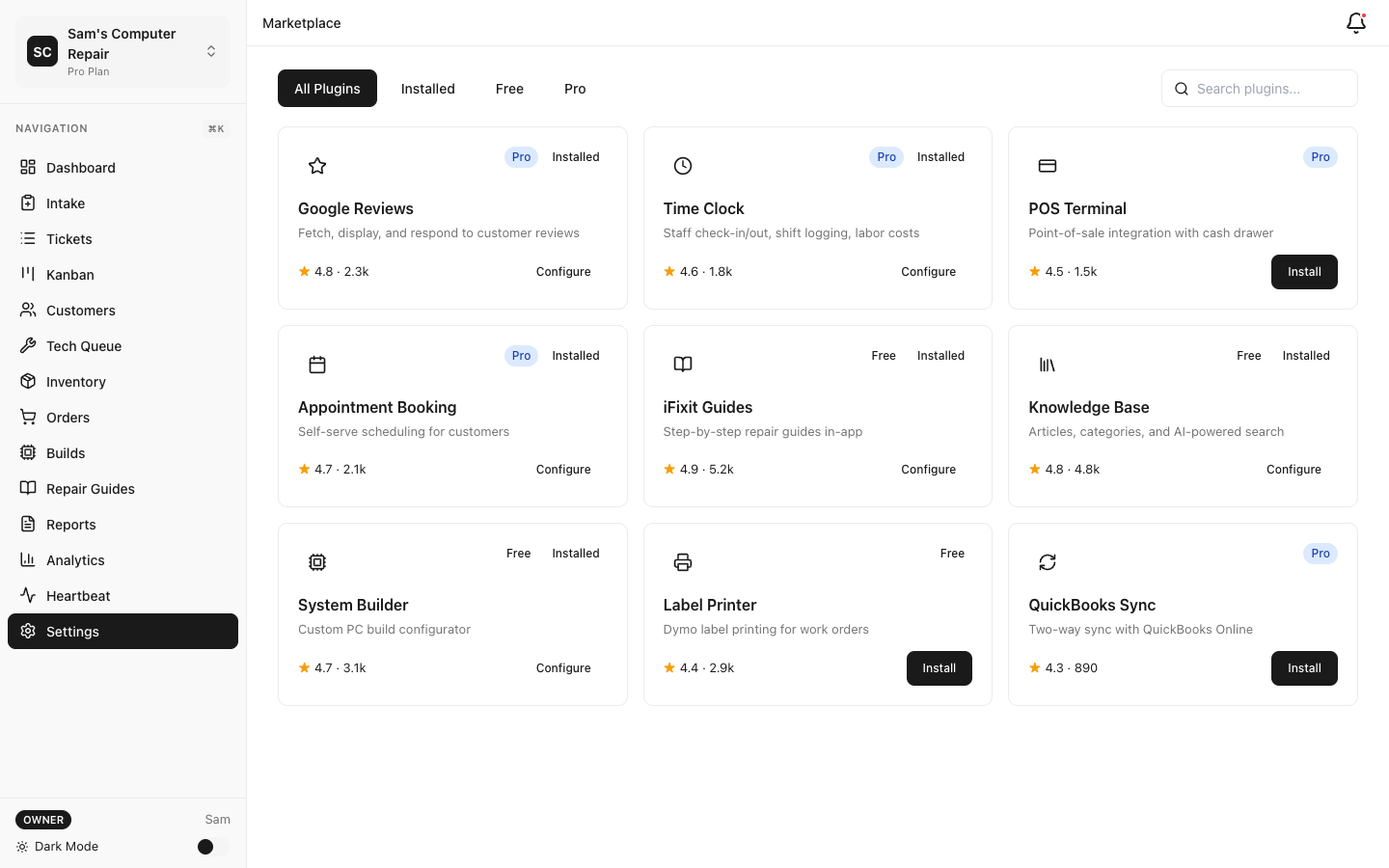
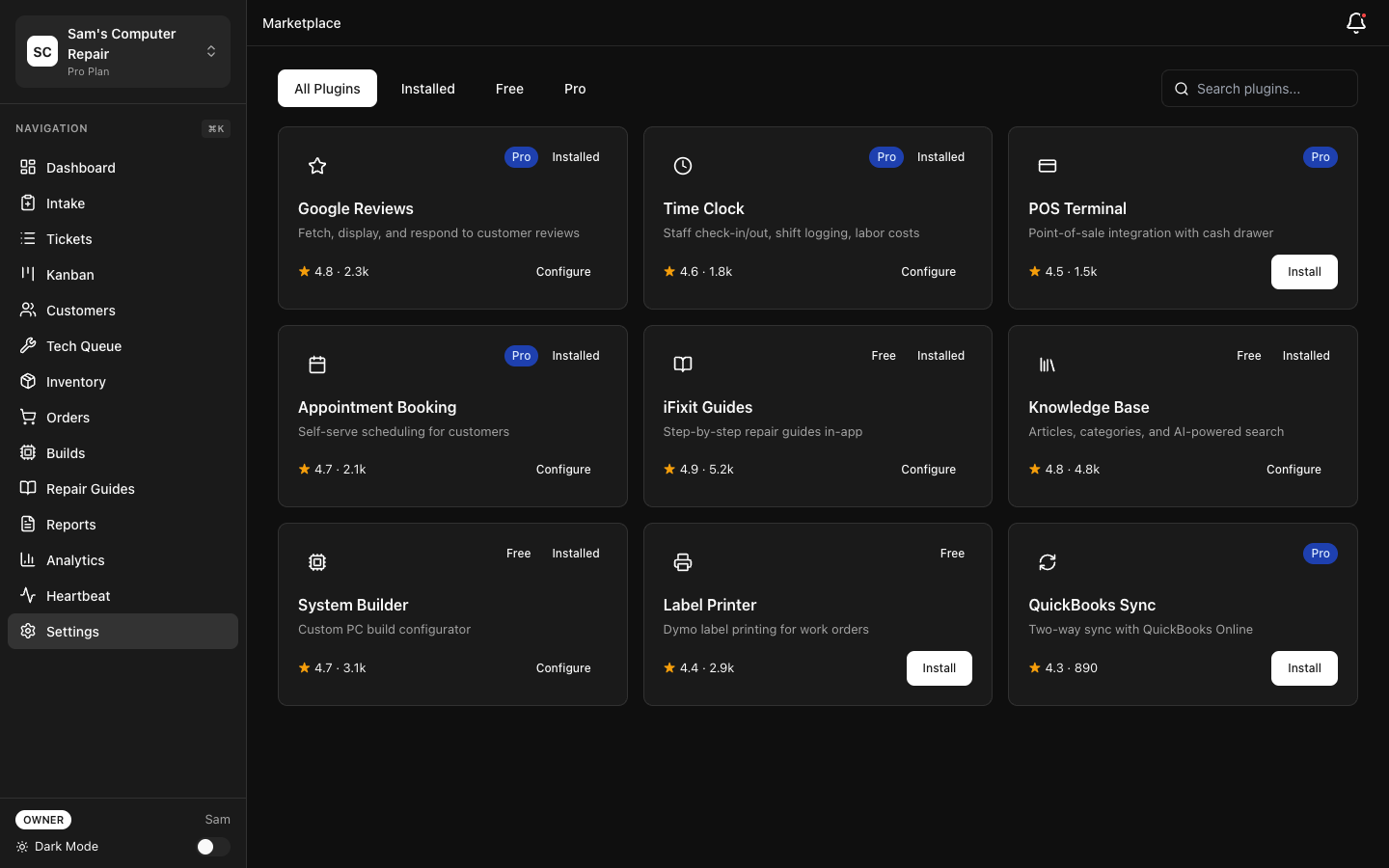
What Are Plugins?
Section titled “What Are Plugins?”A plugin is a package described by a manifest that declares one or more capabilities.
RepairOps routes work to installed plugins based on the capabilities they provide — for example, a
plugin that declares send_email can be selected as the org’s email provider. Plugins are
installed per-organization and shared across the team.
The SDK
Section titled “The SDK”Plugin types and helpers live in @repairops/plugin-sdk, which re-exports the canonical schemas
from @repairops/shared. The package exports:
- Base classes —
BasePlugin(abstractonEvent(),getCapabilities()), plus specialized basesAIProviderPlugin,PaymentPlugin, andCommunicationPluginthat pre-wire common capabilities. validateManifest()— validates a manifest against the schema and rules below.- Test helpers —
createTestContext,createTestEvent,assertCapability,createMockLogger. - Types —
PluginManifest,PluginCapability,PluginCategory,PluginContext,UIExtension, and the capability result types.
Manifest Specification
Section titled “Manifest Specification”The manifest is a static object validated by PluginManifestSchema.
Example
Section titled “Example”{ "id": "acme-email", "name": "Acme Email", "description": "Send transactional email from repair tickets via Acme.", "version": "1.0.0", "author": "Acme, Inc.", "category": "communications", "icon": "icon.png", "tier": "free", "capabilities": ["send_email"], "subscribes_to": ["ticket.status_changed"], "settings_schema": [ { "key": "api_key", "label": "Acme API Key", "type": "password", "required": true, "encrypted": true }, { "key": "from_address", "label": "From Address", "type": "text", "default": "noreply@yourdomain.com" } ]}Manifest Fields
Section titled “Manifest Fields”| Field | Type | Required | Notes |
|---|---|---|---|
id | string | ✓ | Lowercase kebab-case (^[a-z0-9]+(-[a-z0-9]+)*$) |
name | string | ✓ | Display name |
description | string | ✓ | Short description |
version | string | ✓ | Valid semver |
author | string | ✓ | Author / vendor name |
category | enum | ✓ | One of the categories below |
icon | string | — | Icon asset path |
tier | string | — | Defaults to "free" |
capabilities | string[] | ✓ | Non-empty; the capabilities the plugin provides |
subscribes_to | string[] | — | Lifecycle events to receive (defaults to []) |
settings_schema | object[] | — | Config fields (defaults to []) |
Categories: payments, communications, ai_provider, file_storage, accounting,
marketing, hardware, analytics, workflow, scheduling, knowledge, productivity.
Capabilities
Section titled “Capabilities”Plugins declare the capabilities they provide. RepairOps uses these for routing. The full set (26 capabilities):
send_email send_sms send_pushsend_chat_message process_payment generate_invoiceai_completion ai_transcription ai_vision ai_embeddingsparts_provider rmm_provider sync_accounting request_reviewwebhook staff_time_clock appointment_bookingknowledge_base system_build ifixit_guides package_trackingvoice_call_log voice_ringout voicemail_intakevoice_copilot_input voice_copilot_parseSettings Schema
Section titled “Settings Schema”Each entry in settings_schema defines one configuration field:
| Field | Type | Notes |
|---|---|---|
key | string | Unique within the manifest |
label | string | Shown in the settings UI |
type | enum | text, password, toggle, select, number, or url |
required | boolean | Defaults to false |
default | any | Optional default value |
options | {label,value}[] | Required for select |
help_text | string | Optional helper text |
encrypted | boolean | Defaults to false; when true the field must be type: "password" |
Secrets (API keys, tokens) should use type: "password" with encrypted: true so they are stored
with envelope encryption.
Validation Rules
Section titled “Validation Rules”validateManifest() enforces:
- Conformance to
PluginManifestSchema. idis lowercase kebab-case.versionis valid semver.capabilitiesis non-empty.- Every
subscribes_toentry is a valid lifecycle event (see below). settings_schemakeys are unique.- Any field with
encrypted: truehastype: "password".
Lifecycle Events
Section titled “Lifecycle Events”A plugin receives the events it lists in subscribes_to. The available events:
ticket.created ticket.assigned ticket.status_changedticket.payment.received ticket.closed ticket.voidedcustomer.created customer.updated inventory.low_stockuser.clocked_in user.clocked_outcommunication.sent communication.receivedAuthoring a Plugin
Section titled “Authoring a Plugin”Extend BasePlugin (or a specialized base class) and implement getCapabilities() and onEvent():
import { BasePlugin, type PluginContext } from '@repairops/plugin-sdk'
export class AcmeEmailPlugin extends BasePlugin {  getCapabilities() {    return ['send_email'] as const  }
  async onEvent(event, ctx: PluginContext) {    if (event.type === 'ticket.status_changed' && event.data.to === 'READY_FOR_PICKUP') {      const apiKey = ctx.settings.api_key      this.log('info', `Sending pickup email for ticket ${event.data.ticket_code}`)      // call your email provider...    }  }}
The PluginContext passed to your plugin contains only orgId, shopId, userId, the resolved
settings, and a scoped logger — there are no direct database or secret handles. Specialized base
classes give you typed entry points: AIProviderPlugin (complete(), optional embed() /
transcribe()), PaymentPlugin (processPayment(), refund()), and CommunicationPlugin
(send()).
Security & Permissions Model
Section titled “Security & Permissions Model”Plugins operate under a least-privilege contract enforced on several layers:
- Capability-based routing — a plugin is only invoked for the capabilities it declares.
- Tier gates — a plugin’s pricing tier is checked against the org’s plan at install time.
- Scoped context —
PluginContextexposes onlyorgId,shopId,userId, the resolvedsettings, and a logger — never direct database or credential handles. - Row-level security — all data access is constrained by RLS at the database layer.
- Encrypted settings — secret fields are envelope-encrypted.
- Review pipeline — submissions go through a review process before they are approved and listed.
Testing
Section titled “Testing”Use the SDK test helpers to exercise your plugin without a running app:
import { describe, it, expect } from 'vitest'import { createTestContext, createTestEvent } from '@repairops/plugin-sdk'import { AcmeEmailPlugin } from '../src/index'
describe('AcmeEmailPlugin', () => {  it('sends on ready-for-pickup', async () => {    const plugin = new AcmeEmailPlugin()    const ctx = createTestContext({ settings: { api_key: 'test' } })    const event = createTestEvent('ticket.status_changed', {      ticket_code: 'T-001',      to: 'READY_FOR_PICKUP',    })    await expect(plugin.onEvent(event, ctx)).resolves.not.toThrow()  })})
Submitting to the Marketplace
Section titled “Submitting to the Marketplace”Submit a plugin for review using an admin-scoped API key:
curl -X POST "https://app.repairops.app/api/v1/plugins/submit" \ -H "Authorization: Bearer ro_live_YOUR_API_KEY" \ -H "Content-Type: application/json" \ -d '{ "manifest": { "id": "acme-email", "name": "Acme Email", "...": "..." }, "bundle_url": "https://example.com/acme-email-1.0.0.zip", "notes": "Initial submission" }'The submission is validated with validateManifest() (invalid → 400 INVALID_MANIFEST) and queued
with status submitted. Track status with GET /api/v1/plugins/submissions and
GET /api/v1/plugins/submissions/:id. Status flows: submitted → reviewing → approved | rejected.
Installing Plugins
Section titled “Installing Plugins”Once approved, a plugin appears in the in-app Marketplace (Settings → Marketplace). Installing
is OWNER-only and tier-gated: a plugin’s pricing (free, included_pro, included_business,
included_enterprise, or paid) is checked against the org’s current plan. A newly installed
plugin starts in configuring status until its required settings are filled in (a few first-party
plugins auto-activate).
Related Documentation
Section titled “Related Documentation”- REST API Reference — API keys, scopes, and the plugin submission endpoints
- Marketplace — discover and install plugins
- Feature Matrix — which plugins are included at each tier