
Admin Guide
Welcome to the RepairOps admin guide. This section covers subscription management, security, branding, backups, and enterprise features.
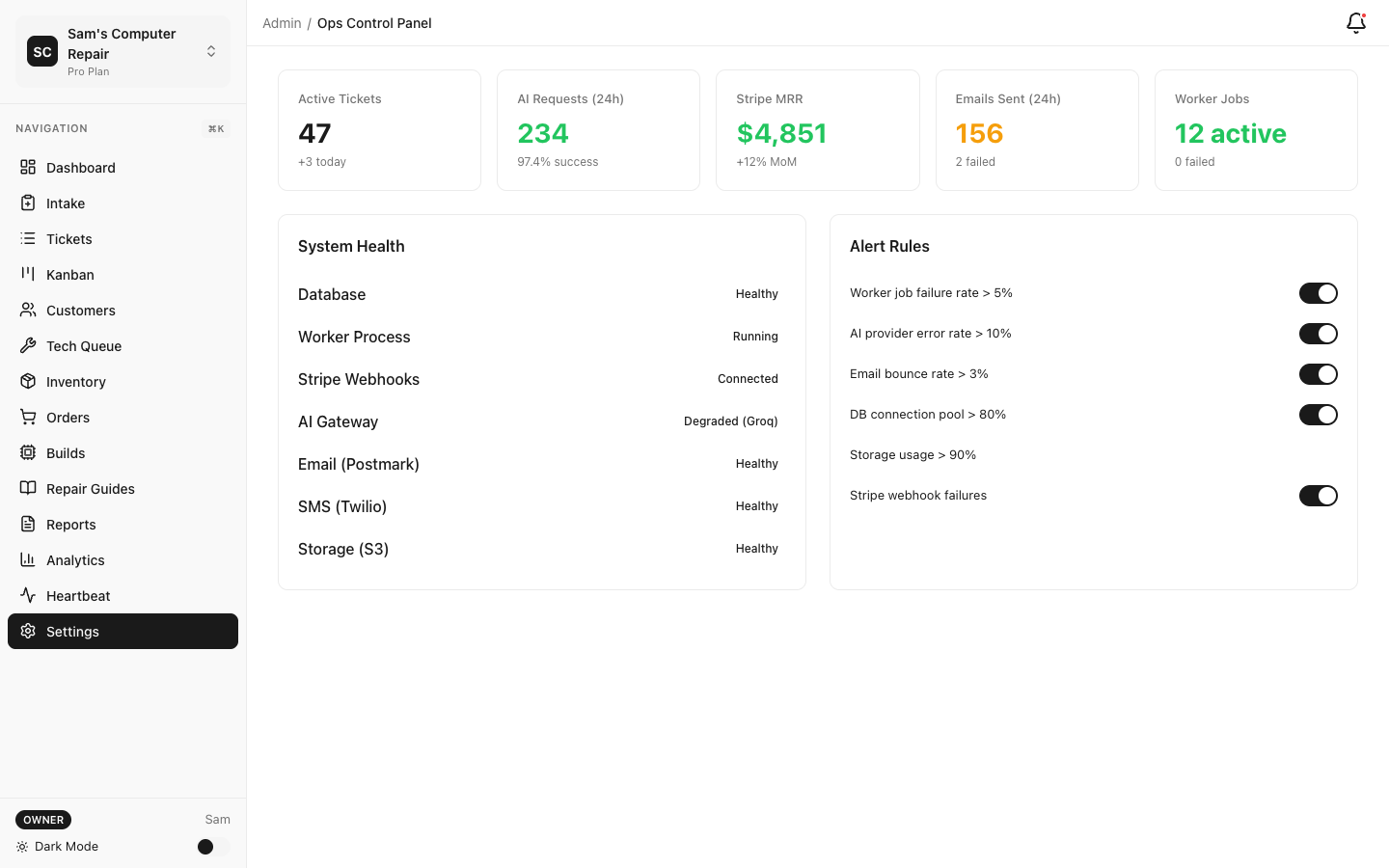
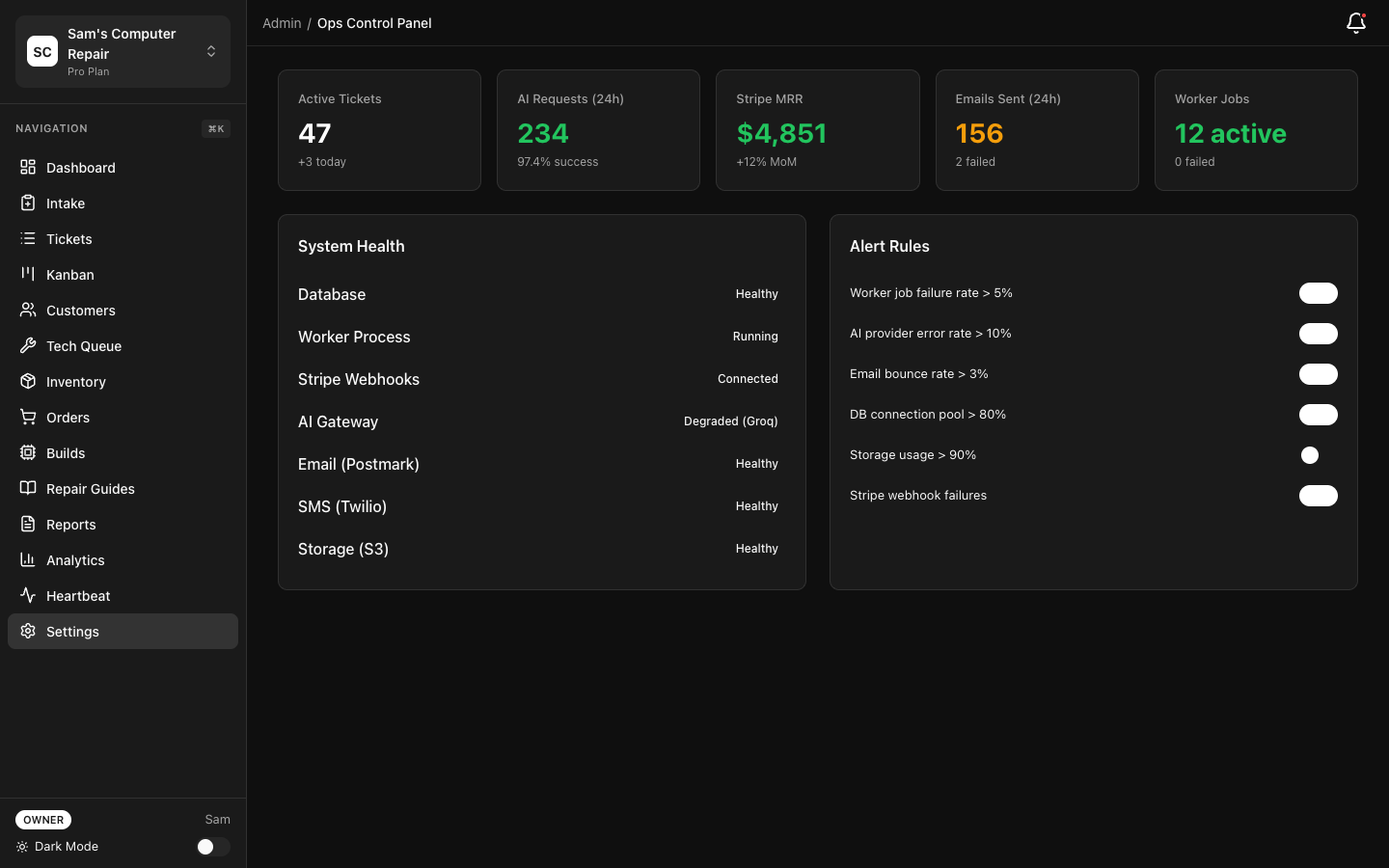
Core Admin Topics
Section titled “Core Admin Topics”Manage your RepairOps subscription, view invoices, purchase AI credits, and monitor usage. Understand hard limits, AI add-ons, and how to upgrade or downgrade tiers.
Set up Single Sign-On integration with your identity provider. Streamline user provisioning with SAML 2.0 or OIDC and reduce password management overhead.
Customize RepairOps with your shop’s branding. Set custom domain, logo, colors, and email templates to create a branded experience for your team and customers.
Configure automated database backups, retention policies, and compliance exports. Ensure your data is protected and recoverable.
Configure 2FA, API key management, RLS (Row-Level Security), and audit logging. Protect sensitive data and maintain compliance with security standards.
Admin Checklist
Section titled “Admin Checklist”Getting started:
- Confirm billing tier and usage limits
- Add team members and assign roles
- Enable 2FA for admin accounts
- Configure backup settings
- Review security policies and RLS
Ongoing:
- Monitor usage vs. billing limits monthly
- Review audit logs quarterly
- Rotate API keys periodically
- Update white-label branding as needed
- Test backups (restore to sandbox)
Common Admin Tasks
Section titled “Common Admin Tasks”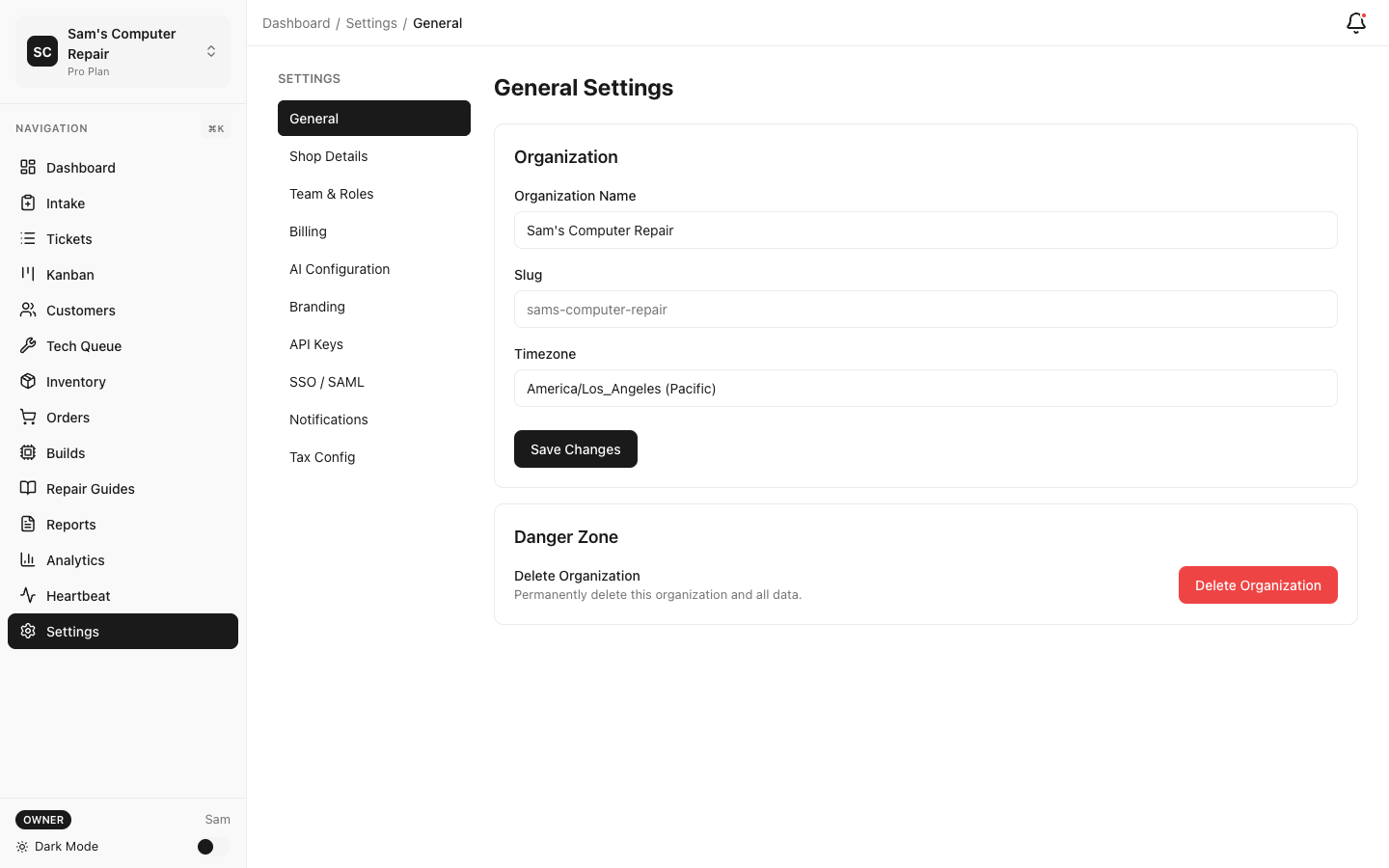
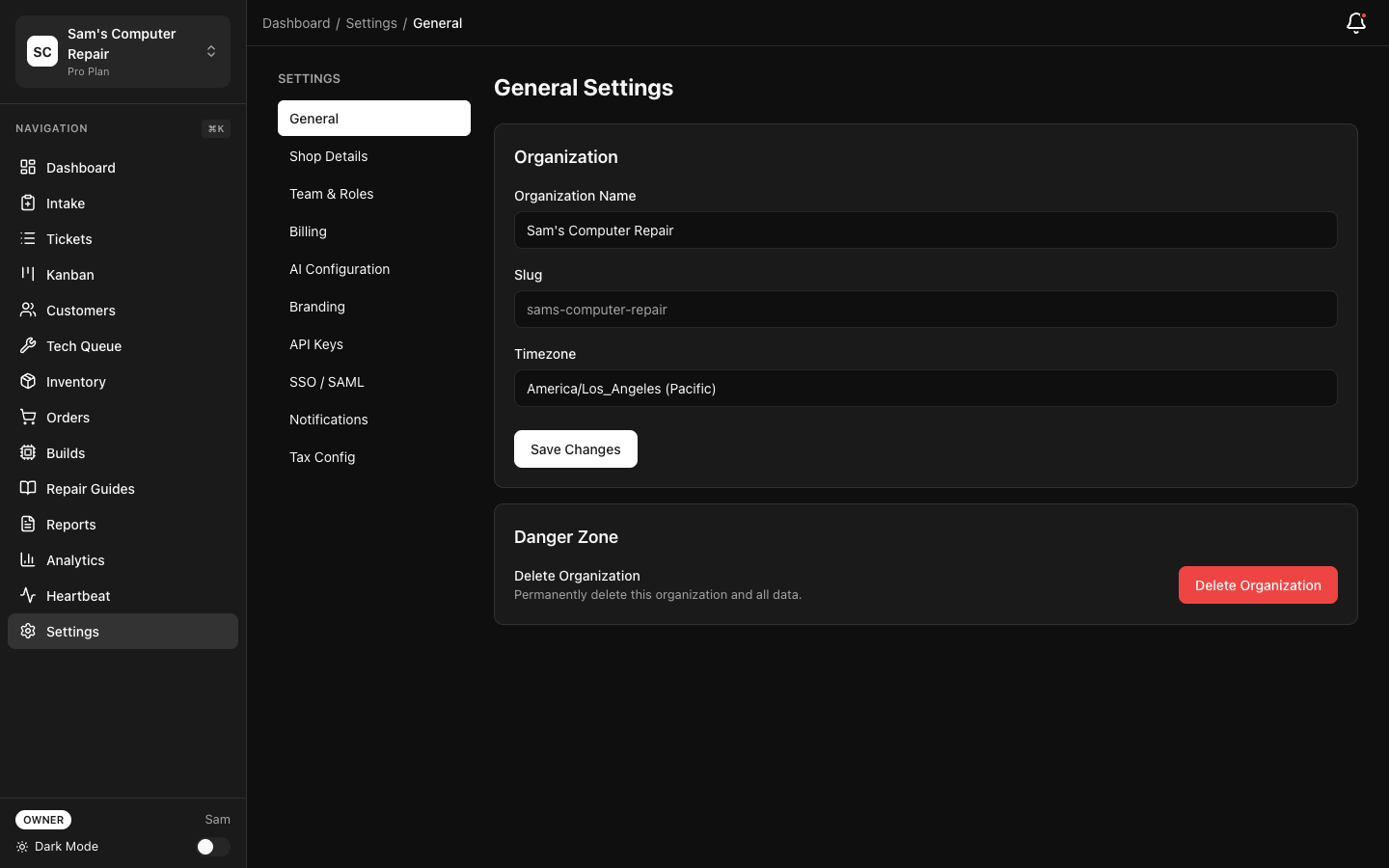
I need to add a new team member → Go to Settings → Team → Invite Member
I want to upgrade to Pro tier → Go to Settings → Billing → Change Plan → Pro → Confirm
I need to export customer data for compliance → Go to Settings → Compliance → Export Data → Select date range
I want to set up SSO → Go to Settings → Authentication → SSO Setup (Enterprise only)
I need to restore from backup → Go to Settings → Backups → Select backup date → Restore to Sandbox
Role-Based Access
Section titled “Role-Based Access”RepairOps has seven roles available across organizations:
| Role | Can Do |
|---|---|
| Owner | Everything. Billing, users, settings, data deletion. |
| Manager | Run shop, access all tickets/reports, assign work, view costs. |
| Front Desk | Check-in, issue tracking, pickup/payment, approve estimates. |
| Tech | View assigned tickets, log work, update status, attach files. |
| QC | View all tickets, access QC queue, mark items passed/failed. |
| Accounting | View invoices, payment records, and financial reporting. |
| Dispatcher | Coordinate assignments and workload visibility without editing repairs. |
Assign roles in Settings → Team → Members.
Help & Support
Section titled “Help & Support”- Feature Documentation — How to use RepairOps features
- Developer Documentation — API, plugins, self-hosted
- Help Center — FAQs and troubleshooting
- Support — Contact our support team